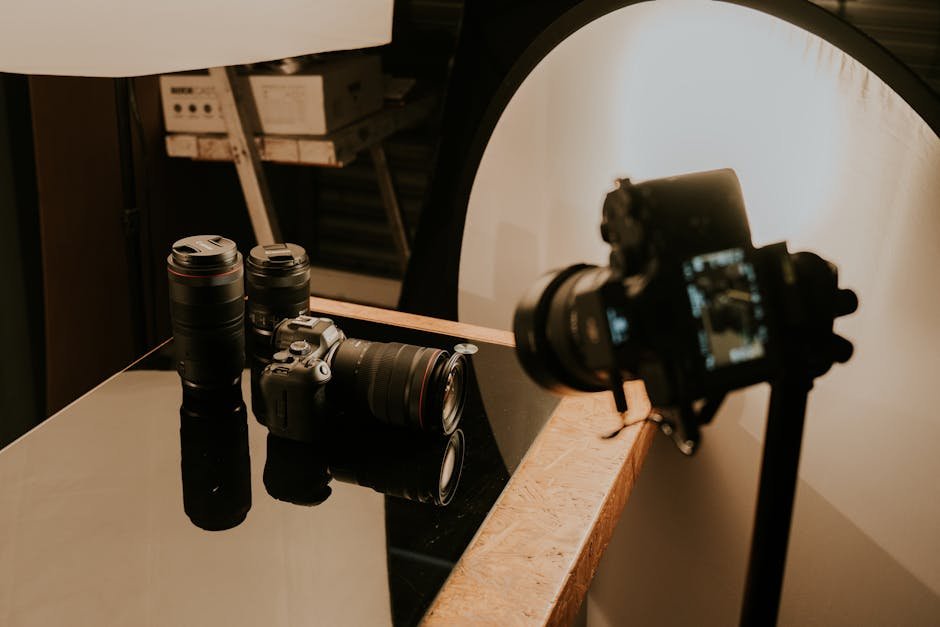
On an ecommerce store, the product photo does almost all of the selling. Copy matters. Reviews matter. Speed, price, and trust signals matter. But a shopper makes the decision to take the product seriously — or scroll past it — in the time it takes a thumbnail to load. If the image looks amateur, the rest of the page doesn't get a fair hearing.
This is why professional product photography is the highest-leverage creative asset in most DTC businesses. It's what the paid ad buys attention with. It's what the product detail page converts on. It's what the email campaign opens on. A single well-produced product library feeds twelve months of marketing across every channel — which is why the economics of "just DIY it" almost never work out the way founders assume.
Why product photography is a conversion lever, not a cost centre
Most ecommerce founders treat product photography as a line item. It's better understood as a conversion rate multiplier: every downstream metric in the business is gated by the quality of the imagery. A 20% CVR lift on a product page lifts the economics of every ad campaign pointed at that page, every email campaign, every affiliate link, and every piece of organic social content. A mediocre photo, by contrast, drags every one of those channels down at once.
The other reason it matters more in 2026: AI-generated imagery has flooded the web. Shoppers have learned to distrust too-perfect, too-stocky visuals. Authentic, well-produced, obviously-real product photography has become a differentiator again — especially in categories where trust and tactility matter (apparel, beauty, home, food, accessories).
DIY vs. professional: the real economics
The argument for DIY photography usually sounds like: "I saved $3,000 by shooting it myself with a phone and a lightbox." The argument looks different once you include the full cost:
- Time. A founder shooting a 40-SKU catalogue loses 2–4 weeks of leadership time. At any reasonable founder hourly cost, that's $8,000–$20,000 of labour.
- Conversion drag. A 25% CVR lift from professional imagery on a $40k/month store is $10k/month of recovered revenue. One month of underperforming imagery often costs more than the entire shoot would have.
- Ad efficiency. Meta, TikTok, and Google Shopping algorithms reward high-quality, high-engagement creative with lower CPMs. Weak imagery raises cost per acquisition across every paid channel.
- Re-shoots. Most DIY libraries get re-shot professionally within 6–12 months anyway. The DIY round then becomes sunk cost.
For a business selling under $5k/month, DIY photography can make sense as a scrappy bootstrap. Above roughly $15k/month, professional photography pays for itself on the first month's uplift in most categories we've measured.

What the data actually shows
We've A/B tested professional product imagery against manufacturer-supplied or DIY imagery on Shopify stores, Meta ad creative, and Google Shopping feeds. Rough patterns that repeat across categories:
- PDP conversion rate: 20–40% lift on high-consideration products (apparel, beauty, furniture, electronics).
- Ad CTR: 15–60% lift on Meta and TikTok creative. Larger gains in saturated categories.
- Add-to-cart rate on collection pages: 10–25% lift.
- Return rate: often drops 5–15% because shoppers have a more accurate sense of product before purchase.
- Organic search ranking: modest but real — Google Shopping and image search favour high-quality unique imagery over re-used manufacturer shots.
The brands that see the biggest lifts are the ones replacing manufacturer-supplied imagery (common in apparel and accessories) and those whose paid channels have plateaued — better creative is almost always the first thing to try before doubling ad spend.
The core product shot list
A complete ecommerce product shot set has the following, per SKU:
- Primary hero — front-on, centred, typically on white or brand-neutral background. This is the thumbnail and the ad.
- Three-quarter angle — adds depth, helps shoppers understand form.
- Back or alternate side — relevant for anything shoppers would want to inspect.
- Detail / macro — seams, stitching, clasp, texture. Resolves buyer objections.
- Scale cue — either in-hand, on-model, next to a familiar object. Prevents returns.
- Packaging / unboxing — increasingly important for gifting and unboxing-driven categories.
- In-use or lifestyle — one hero image showing the product in context.
- Zoom-level — at least 2000px on the long edge for PDP zoom functionality.
Variants (colours, sizes) should each have their own primary hero at minimum. Secondary angles can be reused across variants where the only difference is colour.
Lifestyle photography: the other half of the library
White-background catalogue shots convert; lifestyle shots acquire. Paid social, email, homepage, and content are all powered by lifestyle imagery. A good lifestyle set answers three questions at once: who is this for, how is it used, and what does it feel like to own.
Plan lifestyle shoots as campaigns, not one-offs. Shoot a season's worth in a single production day with one photographer, one stylist, and consistent talent — you get a visually coherent set instead of a grab-bag of mismatched images. This is the same discipline we cover in our guide on planning a brand photoshoot.
360 spins and short video
Two additions worth the incremental cost on higher-consideration products:
- 360-degree spins — 24 to 48 frames stitched into an interactive rotation. Adds measurable CVR lift on furniture, electronics, and footwear. Most Shopify themes support them natively now.
- Short-loop product video — 5–15 seconds, silent, autoplay on the PDP. Especially powerful on mobile where video consumes more screen real estate than static imagery.
Both can be produced on the same shoot day as stills if the production is planned for it. Trying to retro-fit them later costs roughly twice as much.
Selling online?
We produce ecommerce product photography and video.
Catalogue, lifestyle, 360 spins, and short-form product video — produced alongside the paid media, website, and brand system we probably also run. Ask for a sample reel or book a scoping call.
See our content productionColour accuracy and scale cues

Two technical details that disproportionately affect returns:
- Colour accuracy. Shoot tethered, review on a colour-calibrated monitor, and cross-check critical SKUs against the physical product. A shirt that looks green online but arrives teal is a return — and a refund is roughly 3–5x more expensive than getting the colour right at capture.
- Scale cues. Shoppers chronically misjudge size online. Include at least one image with a familiar scale reference — a hand, a phone, a coffee cup — or list exact dimensions prominently. Returns for "smaller than expected" or "larger than expected" drop noticeably when scale is obvious.
A product photo library is a sales tool, not a design portfolio. Every frame should either answer an objection or trigger a desire. Anything that does neither is wasted budget.
Delivery specs for modern PDPs
Modern ecommerce stacks want very specific formats:
- Primary product: 2048×2048 JPG + WebP (the default Shopify recommendation in 2026).
- Zoom-level: 4096×4096 for retina zoom.
- Lifestyle: 2560×1440 at 4:5 and 1:1.
- Ads: 1080×1080 (Meta feed), 1080×1920 (Meta reels, TikTok), 1200×628 (Google display).
- Video: 1080×1080 and 1080×1920 MP4, H.264, under 10 seconds for autoplay.
- File naming: SKU-angle-variant.jpg. Alt text preset per image.
Get these specs written into the shoot brief before cameras turn on. Retro-cropping finished imagery into eight formats is a post-production nightmare; shooting for the final aspect ratios from the start is free.
Next steps
Product photography is one of the clearest-ROI creative investments in ecommerce. If your PDPs feel stale, your ad CTR is drifting, or your CVR has plateaued below category benchmarks, imagery is the first lever to pull — usually before rebuilding the site or doubling ad spend. Our web design team regularly ships PDP redesigns that use the upgraded imagery as the headline fix.
If you want help scoping a product shoot, get in touch, or read the companion piece on planning a brand photoshoot. More ecommerce and photography breakdowns on the Creative Scope blog.


